
What a VTT file is used for
WebVTT is a text subtitle format commonly used by browser video players, course platforms, training libraries and web archives. A typical VTT file contains a WEBVTT header followed by caption cues with start times, end times and caption text.
The format is simple, but the hard part is not the extension. The hard part is making sure each caption appears at the right time and remains readable while the video plays.
The practical VTT workflow
Start by uploading the MP4 or source video, generating captions or importing an existing subtitle file. Then review the captions in an editor that shows video preview next to the subtitle blocks.
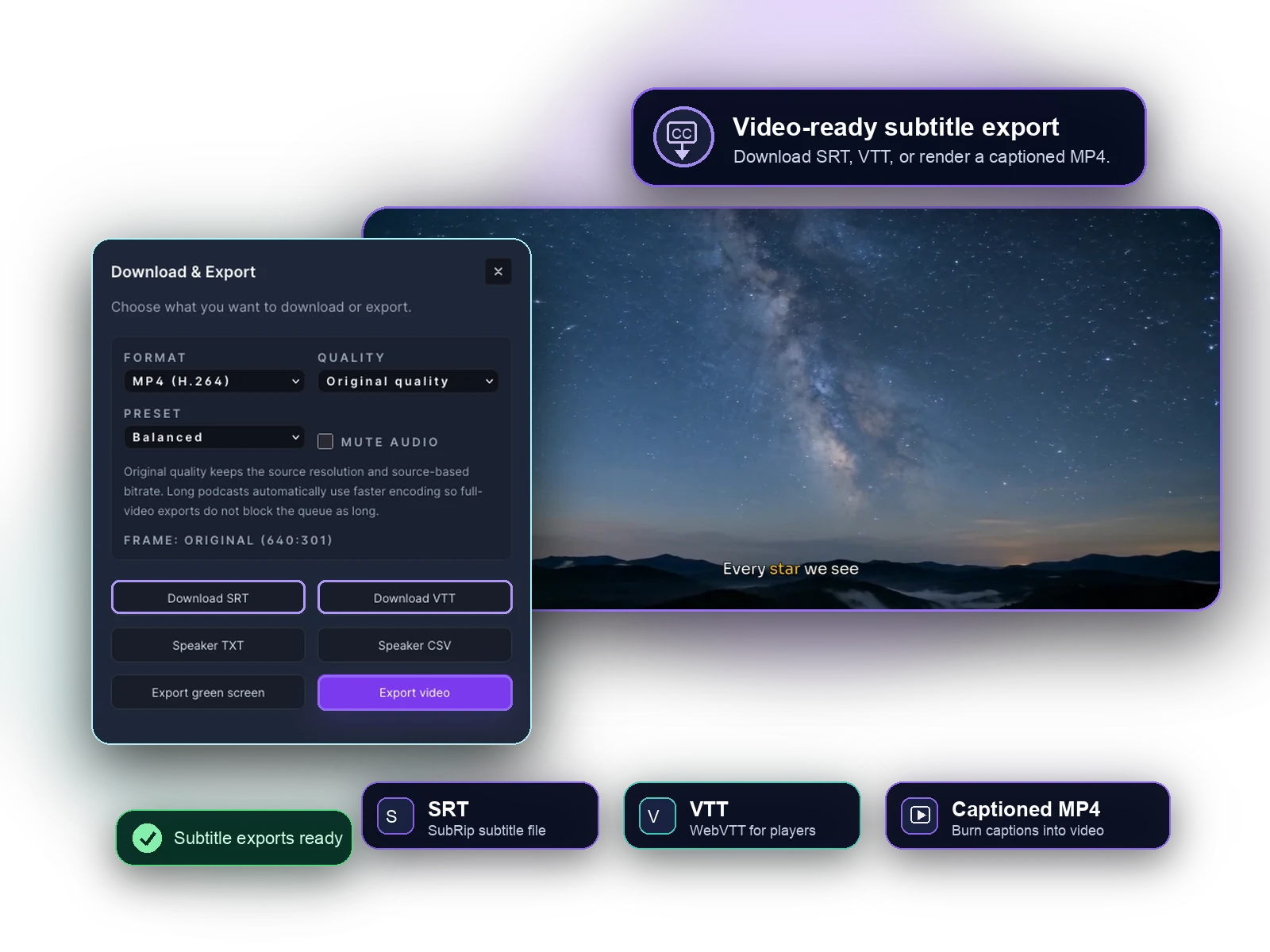
When the captions are accurate and synced, export WebVTT. This gives you a reusable text caption file while preserving the option to export SRT or a captioned MP4 from the same project.
- Generate or import captions.
- Fix words, punctuation and line breaks.
- Check cue timing against playback.
- Export the reviewed captions as .vtt.
When not to hand-write VTT
Hand-writing a short VTT file can work for a tiny clip with a few captions. For longer videos, manual timestamp entry becomes slow and easy to get wrong.
Use a video-based subtitle workflow when you need transcription, timing cleanup, SRT import, caption preview or multiple exports from one reviewed project.
Common VTT export examples
A course team might upload an MP4 lesson, review captions in Captn, and export VTT for an LMS player. A publisher might import an existing SRT file, check the timing against the video, and export WebVTT for a website.
- MP4 to VTT for web players and training libraries.
- SRT to VTT when captions already exist but need web-player syntax.
- Captioned MP4 plus VTT when you need both visible captions and a reusable text track.