
Upload the video
Start with the source video you want to caption. If you already have SRT or VTT captions, import them with the video so timing can be checked against playback.
Generate or import captions
Automatic transcription can create the first subtitle draft. That draft still needs review because names, punctuation, line breaks and timing can be wrong.
If a caption file already exists, use it as the starting point and focus on cleanup rather than starting over.
Review timing and readability
Watch the captions with the video. Fix words, split long captions, merge awkward fragments and adjust subtitle timing before publishing.
- Shorten captions that stay on screen too long.
- Move captions that appear before or after the speech.
- Check line breaks on the actual video frame.
Export the output you need
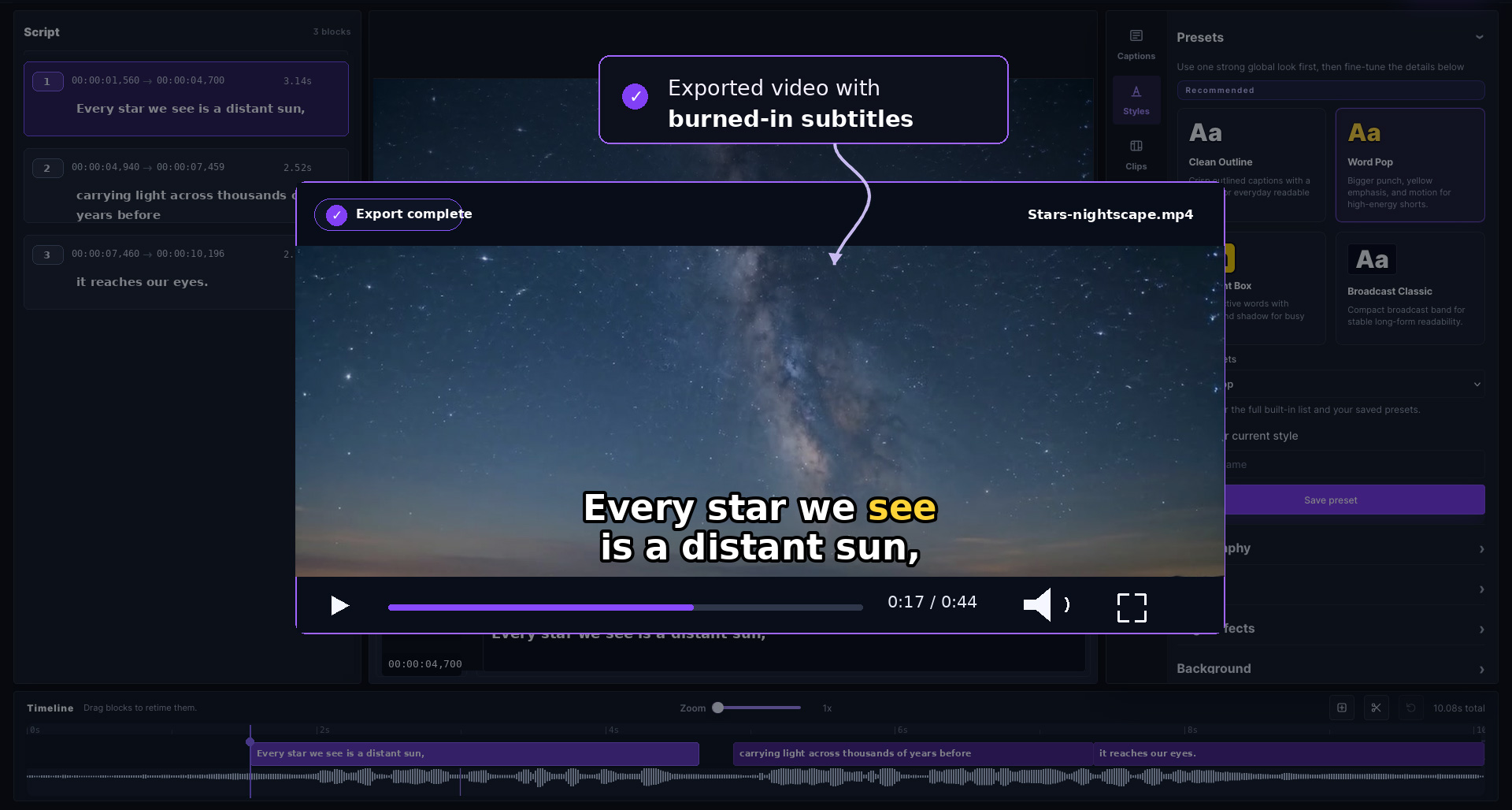
Export a captioned MP4 when subtitles must be permanently visible. Export SRT or VTT when the destination supports separate caption files.
Example workflows by output
The same reviewed subtitle project can support several destinations. A YouTube handoff may need SRT, a website may need VTT, and a social post may need captions burned into the MP4.
- YouTube or client upload: export SRT after review.
- Web player: export VTT after checking timing.
- Social post: style captions and export a captioned MP4.