
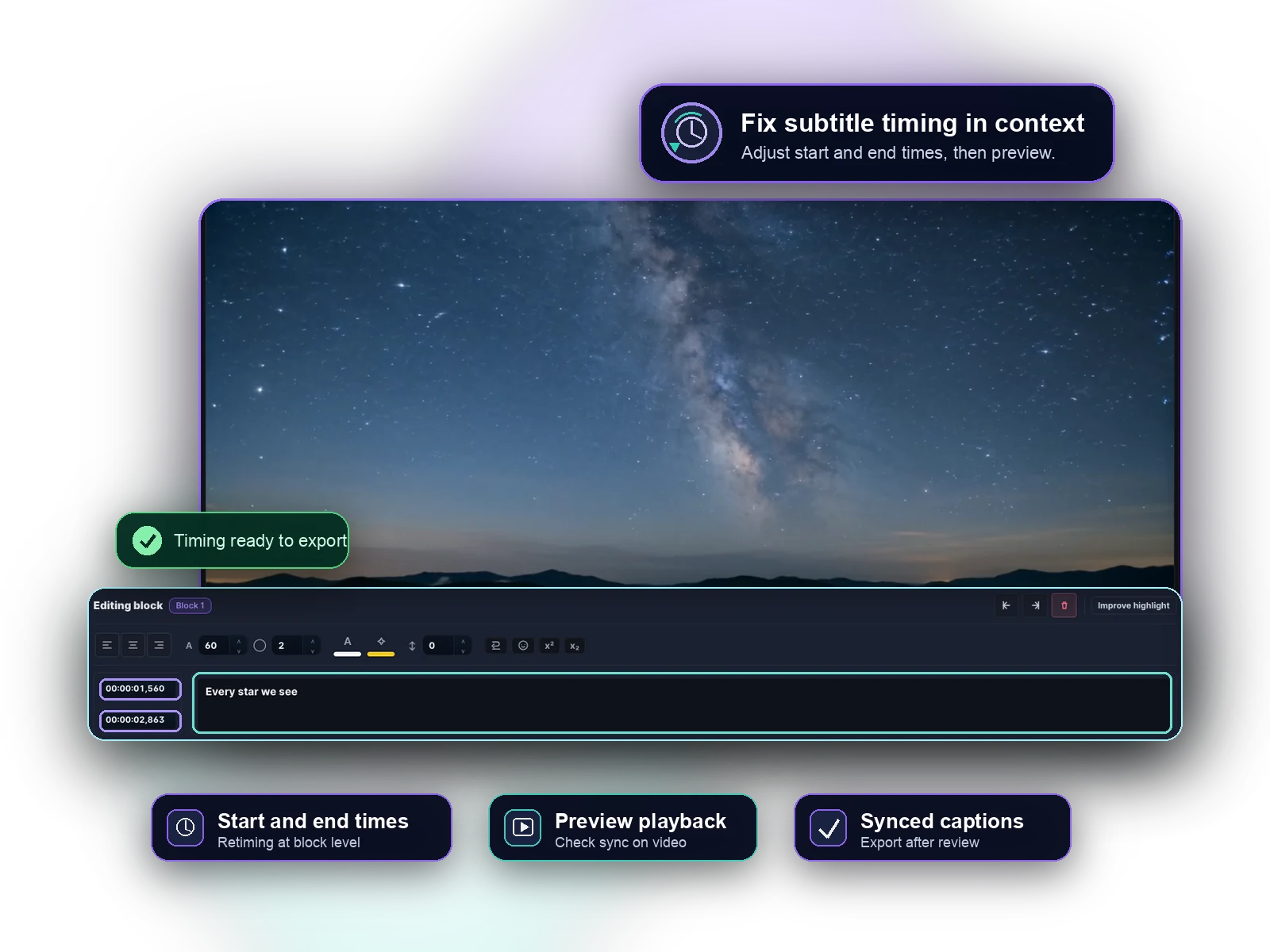
First, identify the sync problem
If every subtitle appears the same amount too early or too late, a simple offset may be enough. If timing gets worse as the video continues, or only some blocks are wrong, the captions need a more careful timing pass.
- Fixed offset: all captions are early or late by the same amount.
- Drift: captions get farther from the speech over time.
- Bad blocks: individual captions start or end at awkward moments.
Use block-level timing for real cleanup
A timing editor lets you adjust individual subtitle blocks while watching the video. This matters when edited footage, automatic transcription or imported files leave only part of the subtitle track out of sync.
You can also split long captions, merge tiny fragments and fix line breaks during the same review pass.
Choose the timing fix by symptom
If every caption is two seconds late, start with an offset. If the beginning is correct but the ending drifts, the subtitle file may come from a different cut or frame-rate path. If only some captions are wrong, edit those blocks.
- Fixed offset: shift the whole subtitle track.
- Drift: inspect the source cut and repair timing across the video.
- Block-level issues: adjust individual start/end times, split blocks or merge fragments.
Preview before export
The corrected file should be checked in context. Readability depends on both timing and text length, so a subtitle can have technically correct timestamps and still feel hard to read.
After preview, export SRT or VTT for platform upload, or render the corrected captions into a captioned MP4.